
Project tracker
Open /dashboard/kanbanThe project tracker is where a quote stops being an enquiry and becomes a job. Each card is one piece of work moving through your production stages.
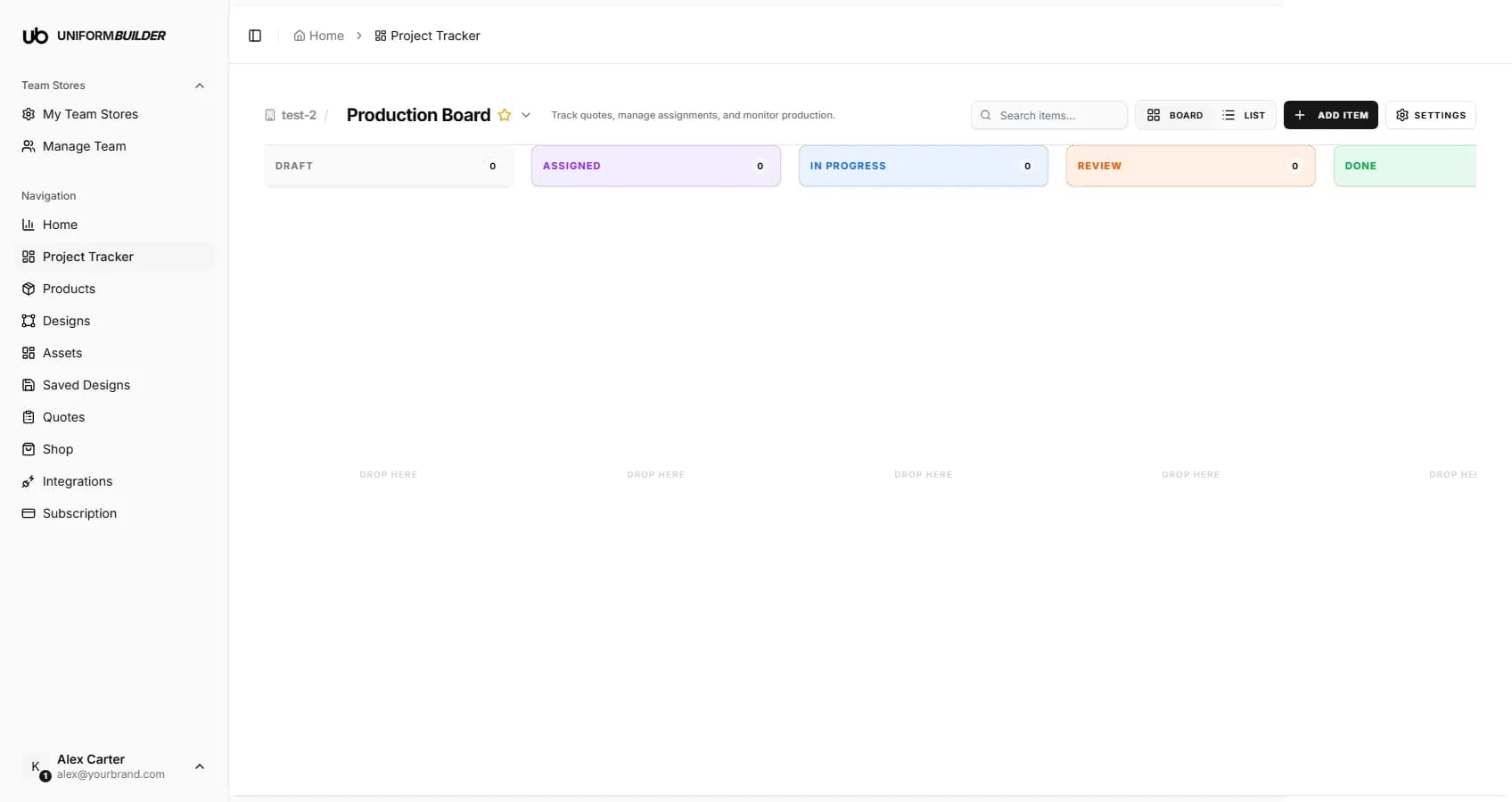
The columns
| Field | What it does |
|---|---|
| Draft | Work that has arrived but nobody has picked up yet. |
| Assigned | Someone owns it, but it has not started. |
| In progress | Actively being worked on. |
| Review | Waiting on a check: an internal approval, or the customer signing off artwork. |
| Done | Finished. |
Each column header carries a count, so you can see where work is piling up without reading a single card.
Getting work onto the board
- From a quote: open the quote and use Assign to project tracker. This carries the customer, the products and the quantities across. See Quotes.
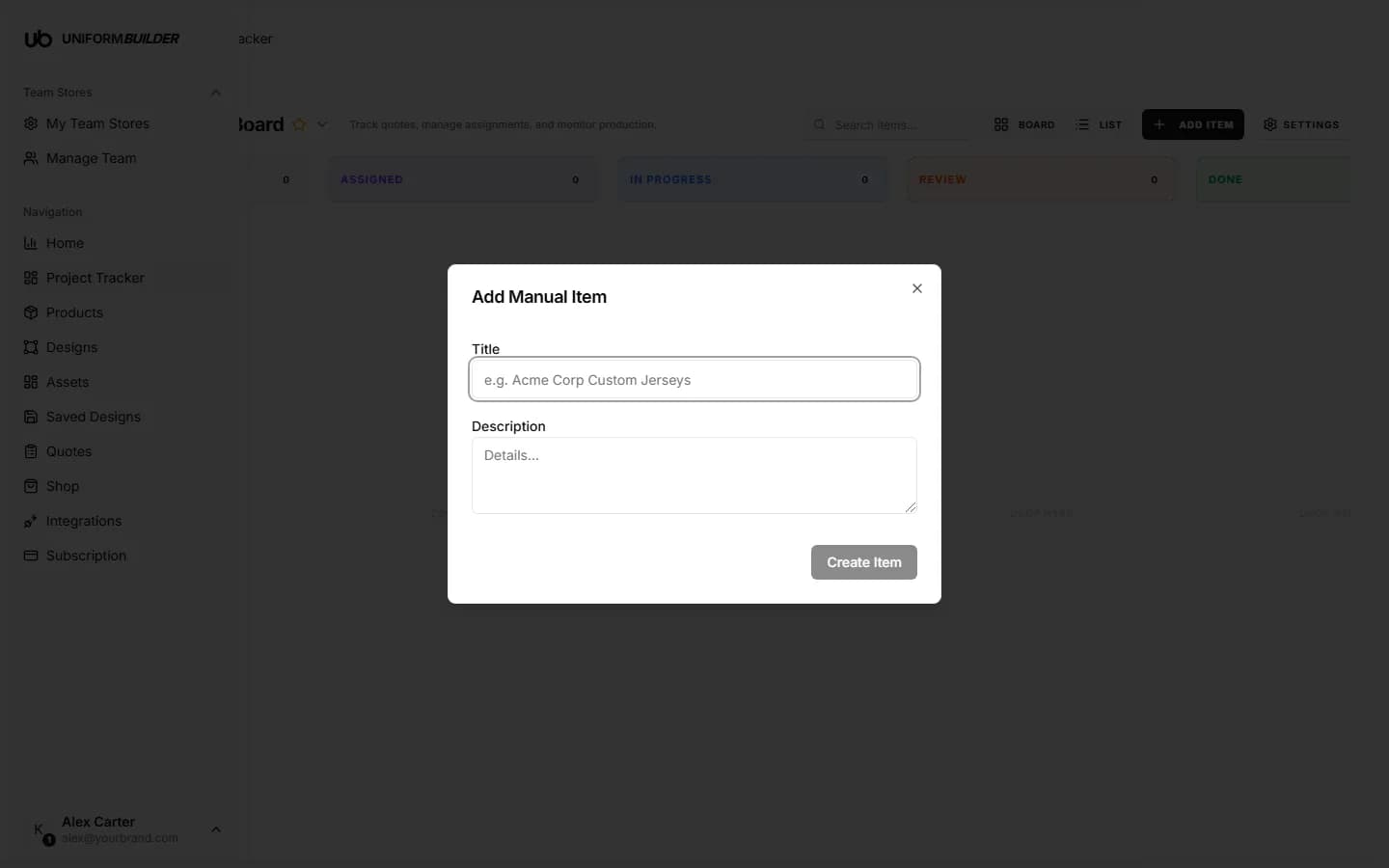
- By hand: press Add item for work that did not come through a quote, such as a repeat order agreed on the phone.
Board and list views
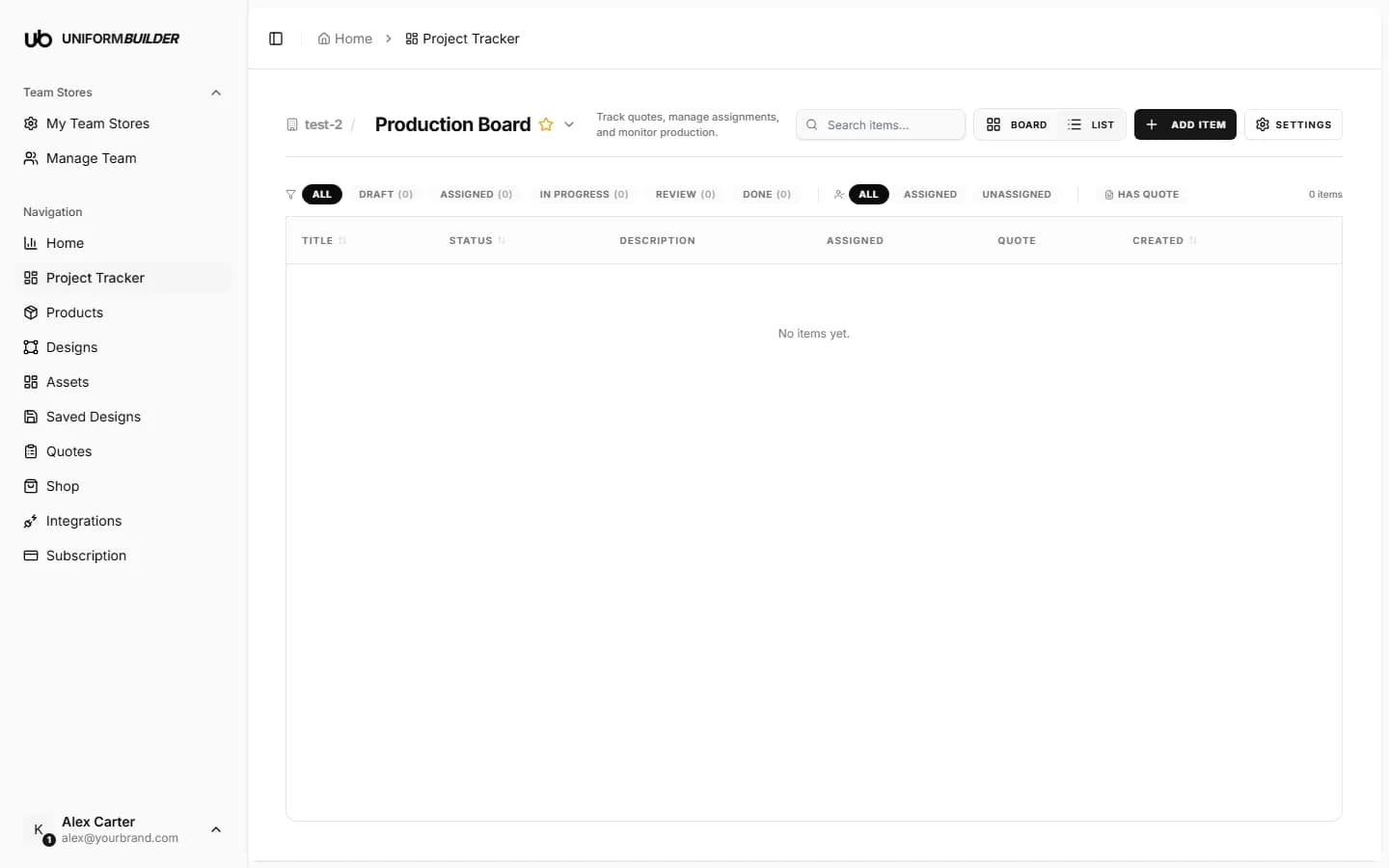
Board is the drag and drop view. List is a flat table, which is easier when you are looking for one job rather than reading the shape of the whole queue. The search box filters both.
Inside a card
Opening a card gives you the detail panel, which is where the work actually happens.
- Quote shows the line items, quantities and totals the job came from.
- Roster holds the per-person details for teamwear: name, number and size for every player on the order.
- Notes is the internal thread on the job, so the history stays with the work rather than in someone inbox.
- AI assist helps generate or refine artwork for the job, on the plans that include it.
The roster is the part that saves the most time
Names, numbers and sizes are where teamwear orders usually go wrong. Keeping them on the card means the print file and the packing list are built from the same list the customer gave you.
Boards and settings
The name at the top of the page is a board switcher: you can keep more than one board, for example one per production site or per season, and star one as your default.
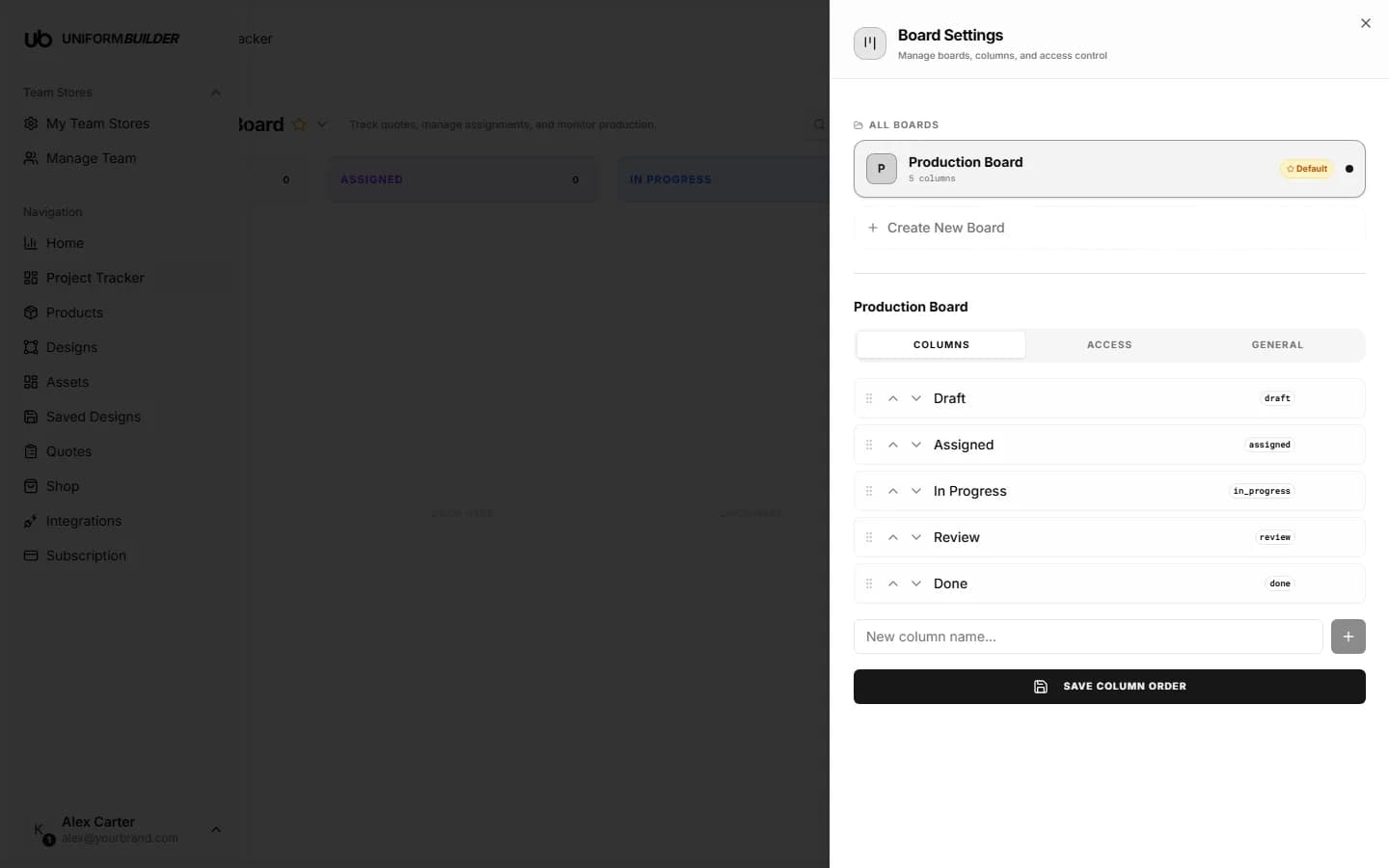
Settings covers the board name, its columns, and its access. Access follows the roles described in Team and permissions, so a producer can work the board without being able to change your store settings.