
Shop: ready made 3D models
Open /dashboard/shopThe Shop is the fastest way to get a product your customers can design. Every model in it is already prepared for the 3D designer: the mesh is clean, the print panels are mapped, and the colour zones are separated. You do not need a 3D artist.
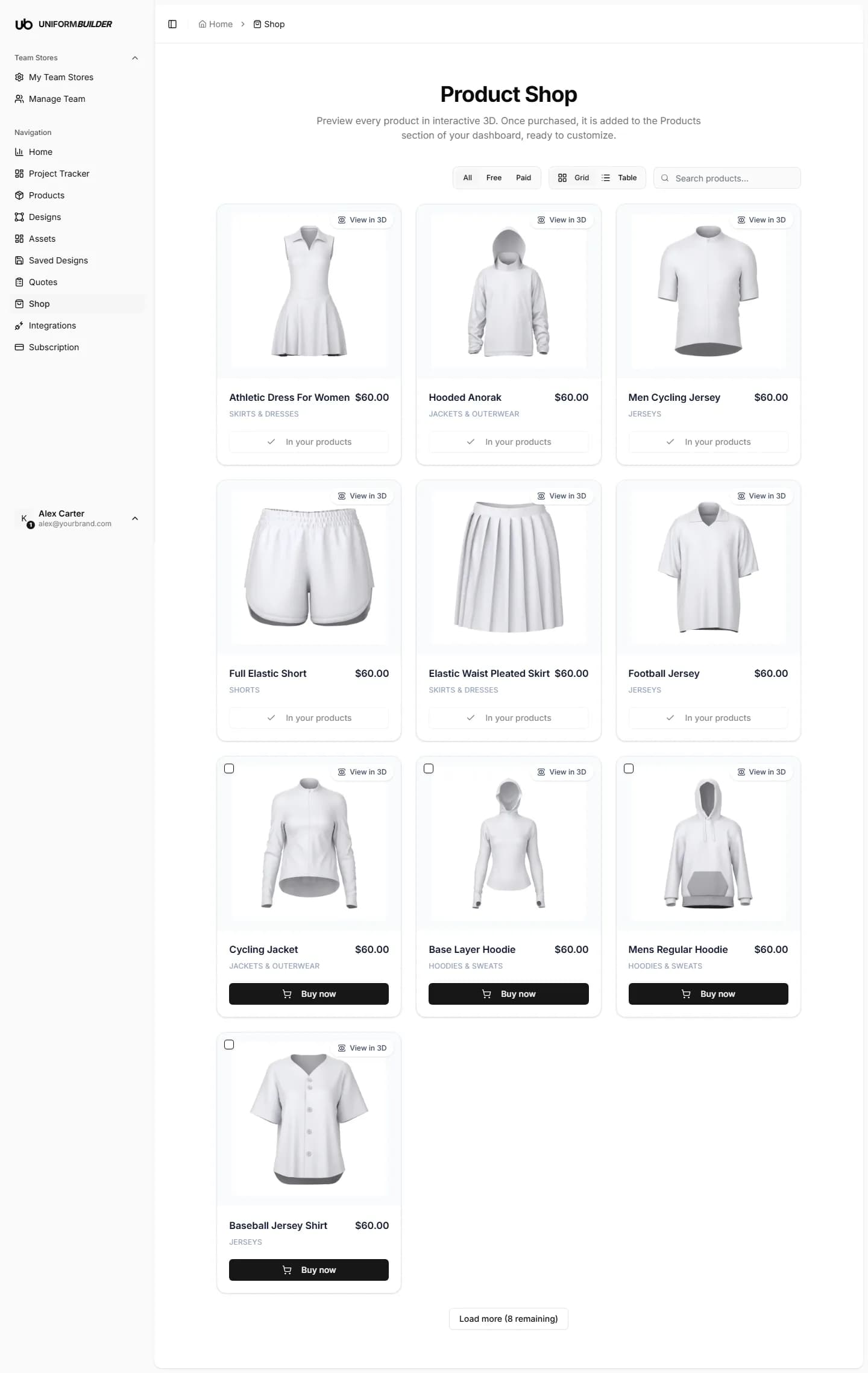
Finding a model
- The All / Free / Paid filter narrows the list by price.
- Grid and Table switch between the picture view and a compact list.
- Load more at the bottom pulls in the next batch rather than loading everything at once.
- Cards you already own are labelled In your products instead of showing a buy button.
Preview it in 3D first
Press View in 3D on any card to open the model in an interactive viewer before you commit. Drag to rotate, scroll to zoom. This is the same geometry your customers will see in the designer, so check the silhouette and the seams here.
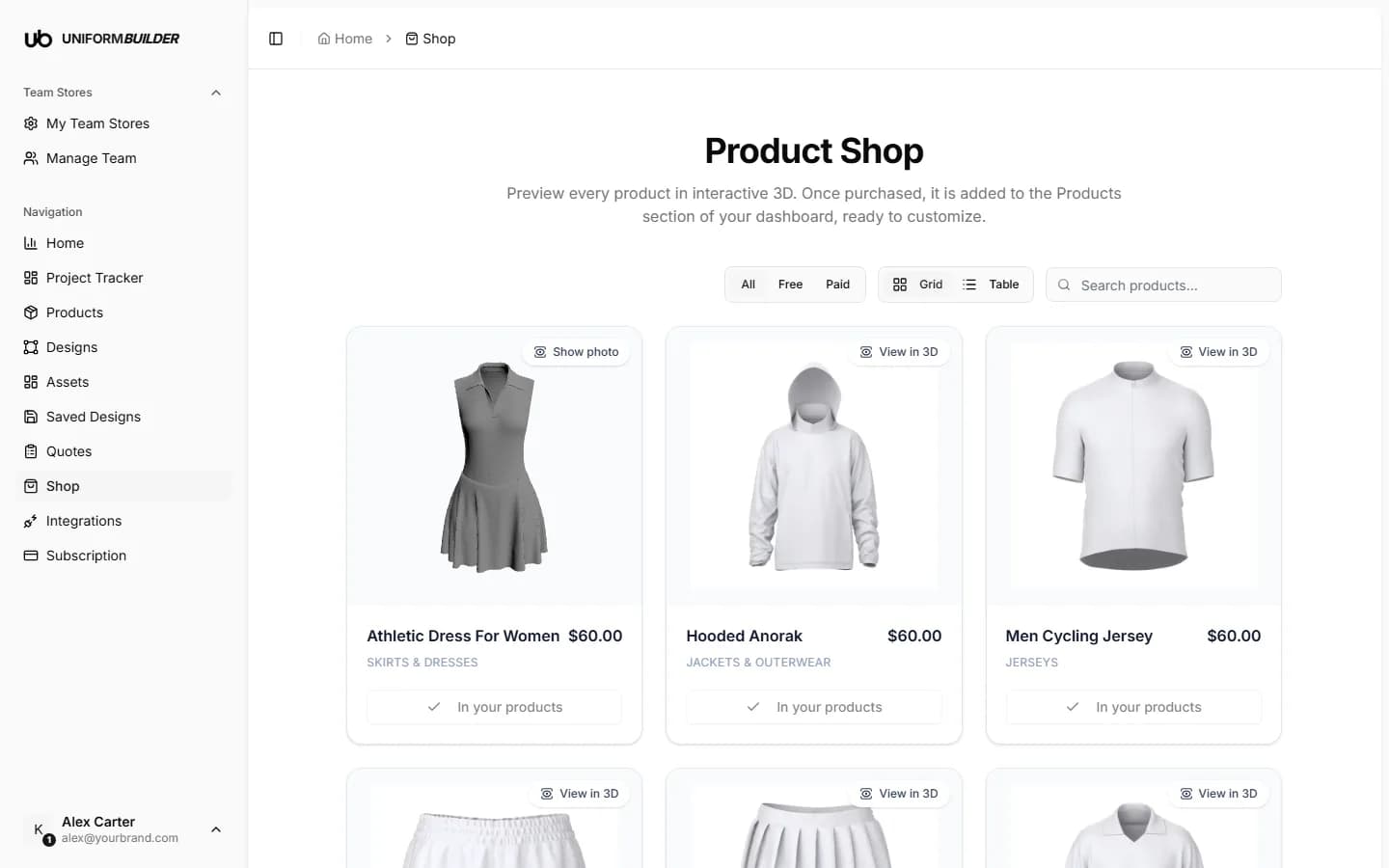
Tip
The first load of a model can take a few seconds while the 3D file downloads. After that it is cached in your browser and reopens instantly.
Adding a model to your products
- 1
Find the model you want and press Buy now.
- 2
Complete the checkout.
Payment is handled by Stripe. Free models skip the payment step.
- 3
The model appears under Products with a SHOP badge.
From there you set your own name, description, price tiers and available colours. The purchase gives you the model; the selling details are yours.
Models belong to your account
A purchased model stays available to your account, so you can use it in any of your team stores rather than buying it again per store.
Can I upload my own model instead?
Yes. If you have a .glb file you can add it directly. See Adding your own 3D model.
What happens to a product if I remove it later?
Deleting a product removes it from your storefront. Because the model is tied to your account, you can restore it from the Shop without paying again.
Can customers see the Shop?
No. The Shop is a dashboard page for you. Customers only ever see the products you publish to your storefront.