
Saved designs
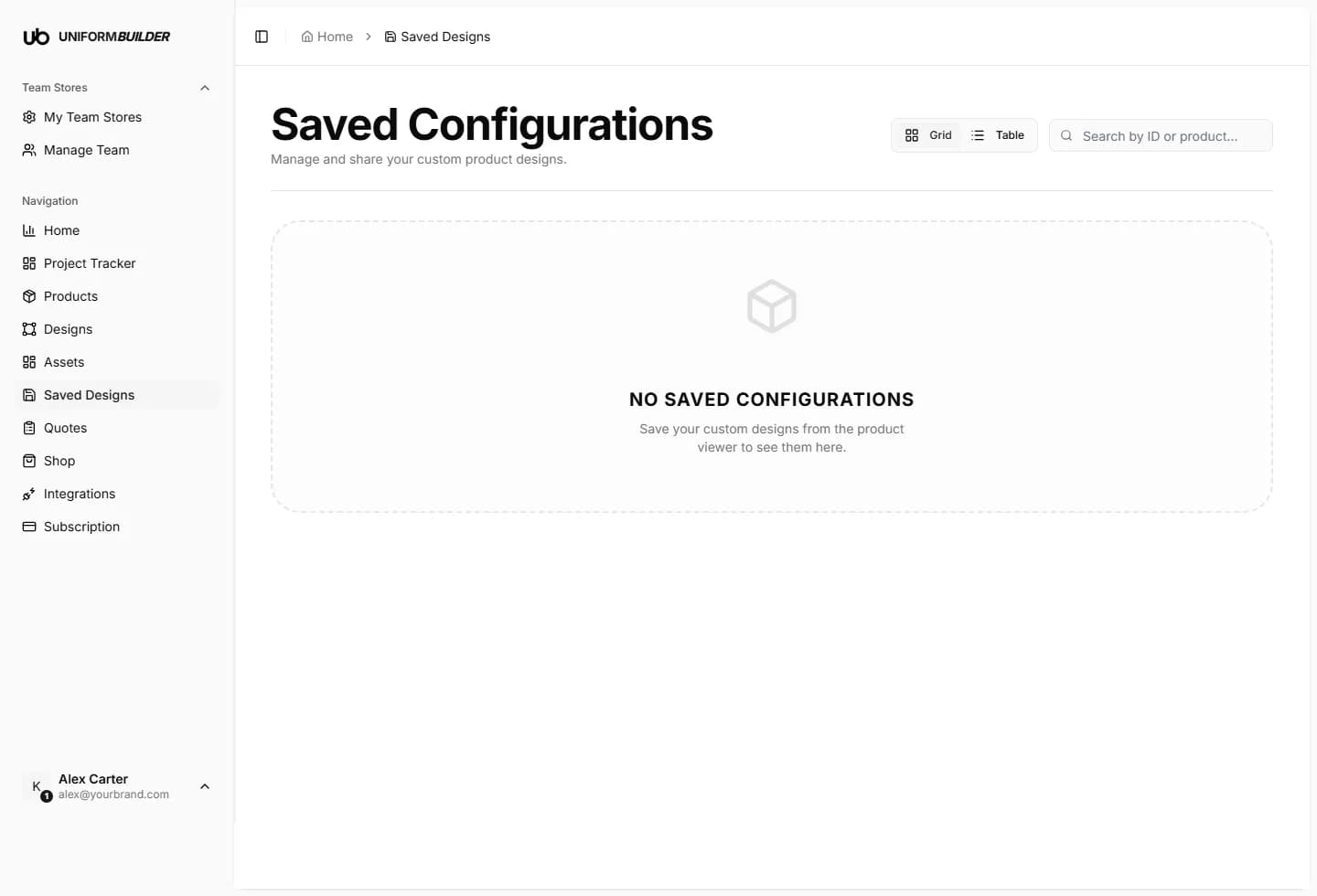
Open /dashboard/saved-configsWhen a customer presses Save Design in the public designer, the whole configuration is stored: the product, the colours, the artwork, the logos, the text. Those saved configurations land here.
Why this page matters
- A saved design is a warm lead. Somebody cared enough to build a kit and keep it.
- It carries a share link, which is how a club captain sends the design round the team before ordering.
- It is the thing a customer attaches when they finally request a quote, so the quote you receive is exact rather than described in words.
Working with a saved design
- Grid shows the preview images; Table is easier for scanning dates.
- Open one to see the full configuration exactly as the customer left it.
- Copy its share link to send back to a customer who has lost theirs.
- The bin deletes it. Do that sparingly: you are deleting somebody work.
Follow them up
A saved design that never became a quote is the cheapest sales call you will ever make. The customer already did the work.
If nothing appears here
Saving is a feature you control per store. If the list stays empty even though people are designing, check that Save & Share Design is switched on in your store settings. See Team stores.
Note
The counts on Home come from this list: saved designs, how many started from one of your presets, and how many used AI generated artwork.
Does a saved design reserve stock or lock a price?
No. It is a design, not an order. Prices are worked out when the customer submits a quote. See Quotes.
Can a customer edit a saved design later?
Yes. Opening the share link reopens the configuration in the designer, so they can carry on where they left off.
What happens if I delete the product it used?
The saved record stays, but the share link can no longer open the designer for that product. Switch product Visibility off instead of deleting when you want to pause something.